Emergency Light Test
Simplify your emergency lighting compliance testing with our easy-to-use Android app.
Emergency Light Test guides you through BS 5266-1 compliant testing procedures, tracks your test history, and generates professional PDF reports ready to email.
Key Features
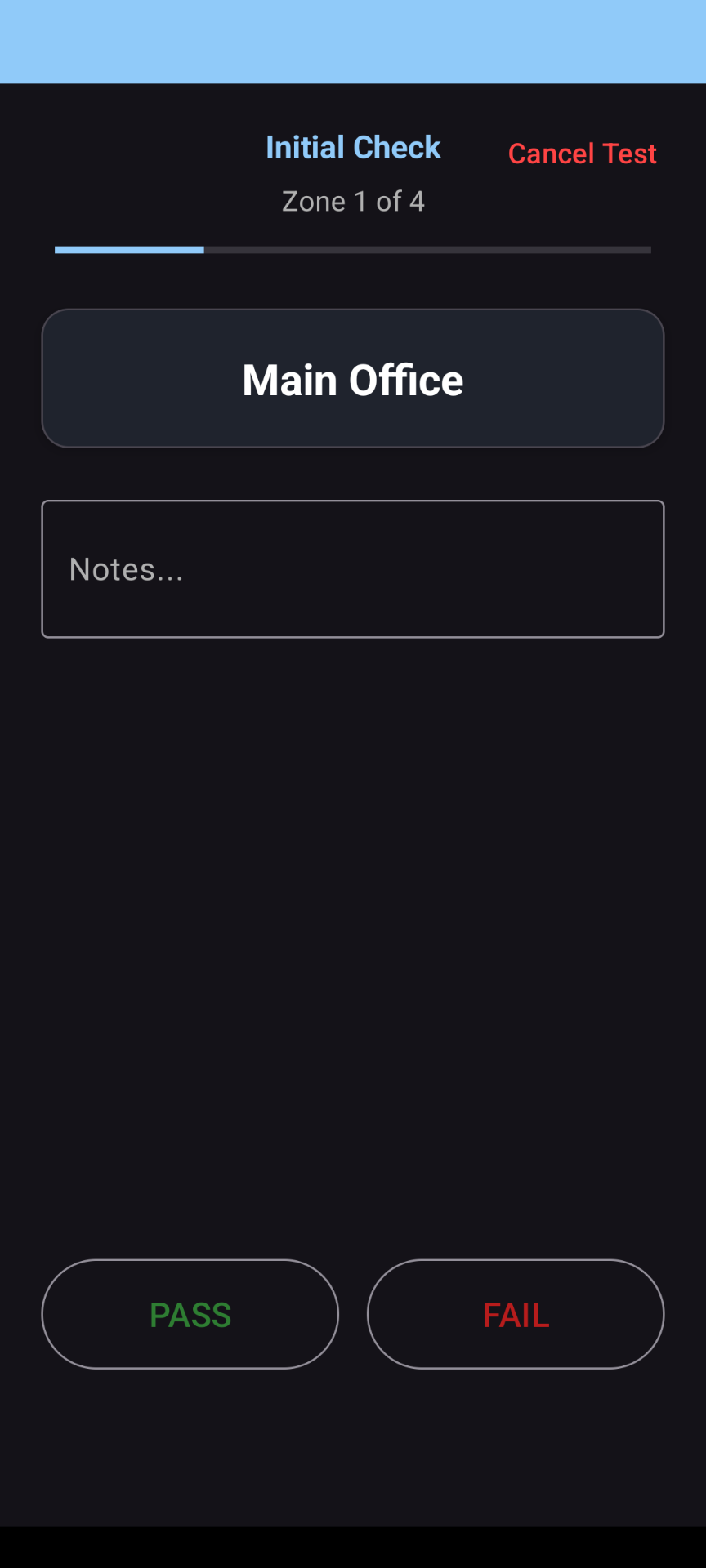
- • Two-stage testing process - Follows the standard initial check → timed duration → final check workflow
- • Multiple locations - Manage tests across different buildings or sites
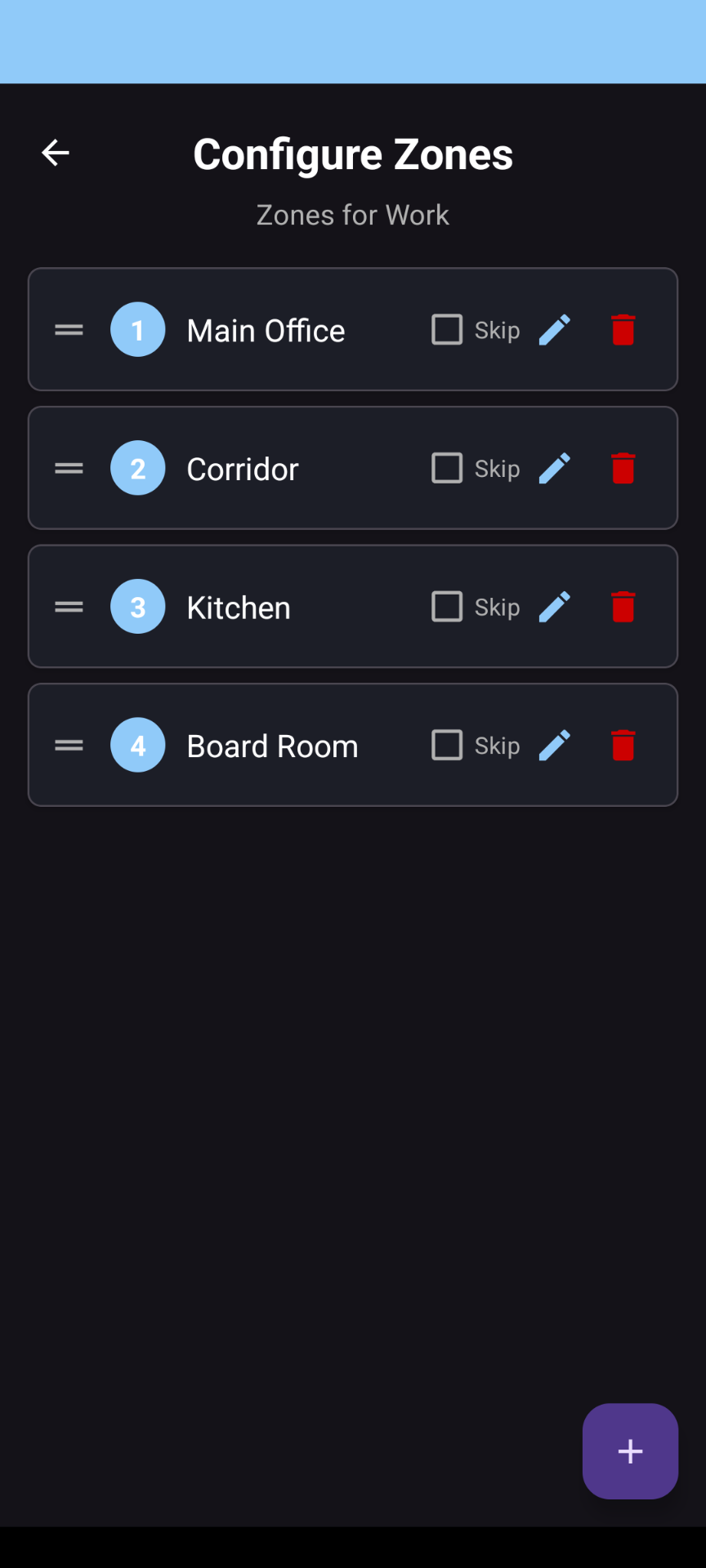
- • Customisable zones - Configure test zones to match your premises layout
- • Background timer - Continue using your phone while the test runs with reliable alarm notifications
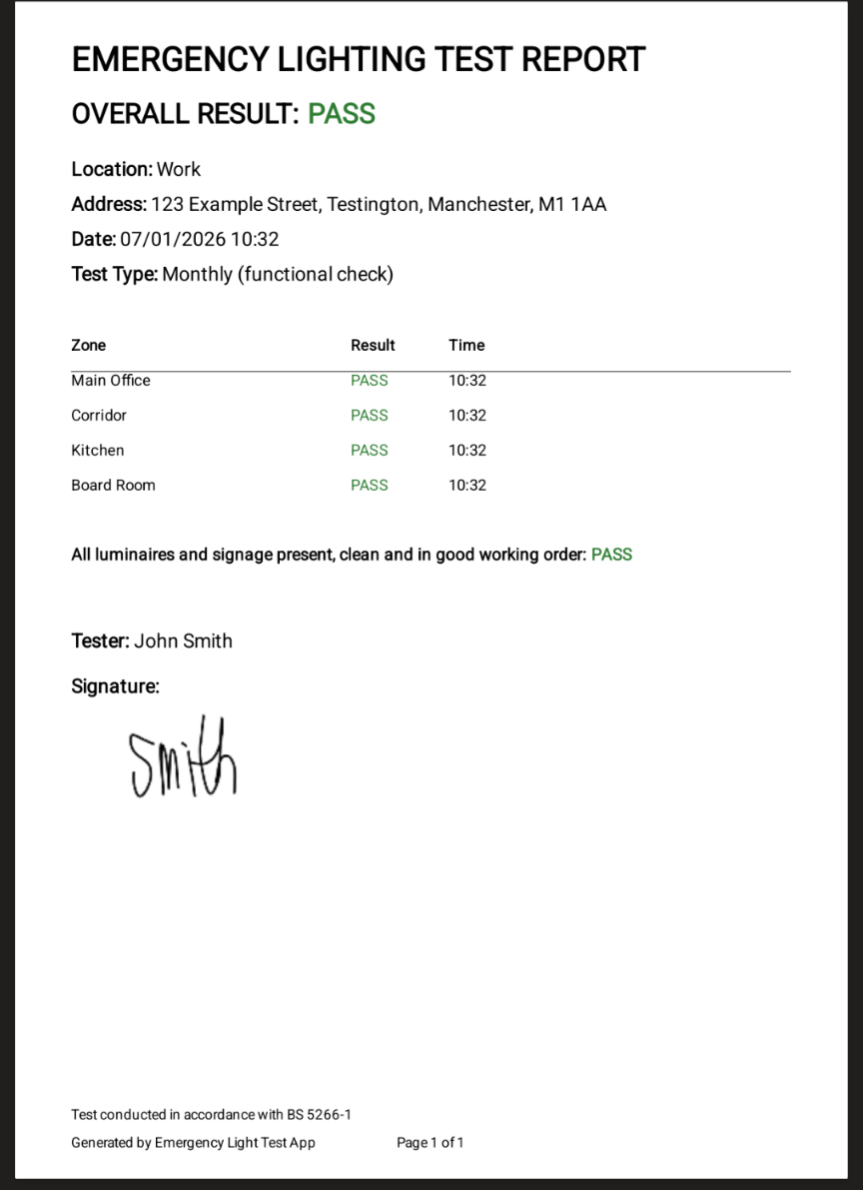
- • PDF reports - Generate professional test certificates with your signature
- • Test history - View past results and regenerate reports when needed
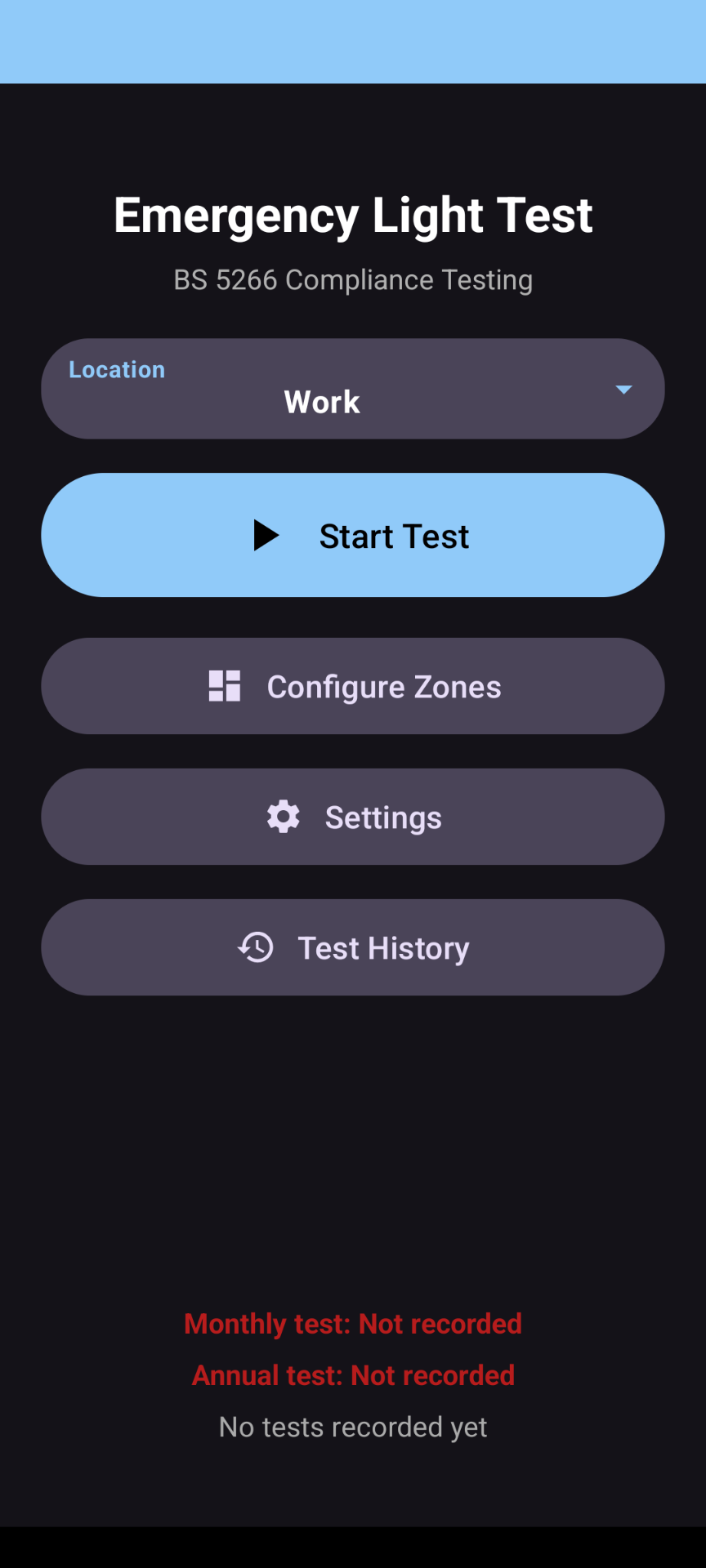
- • Compliance tracking - Visual indicators show when monthly and annual tests are due
How It Works
1. Set Up Your Location
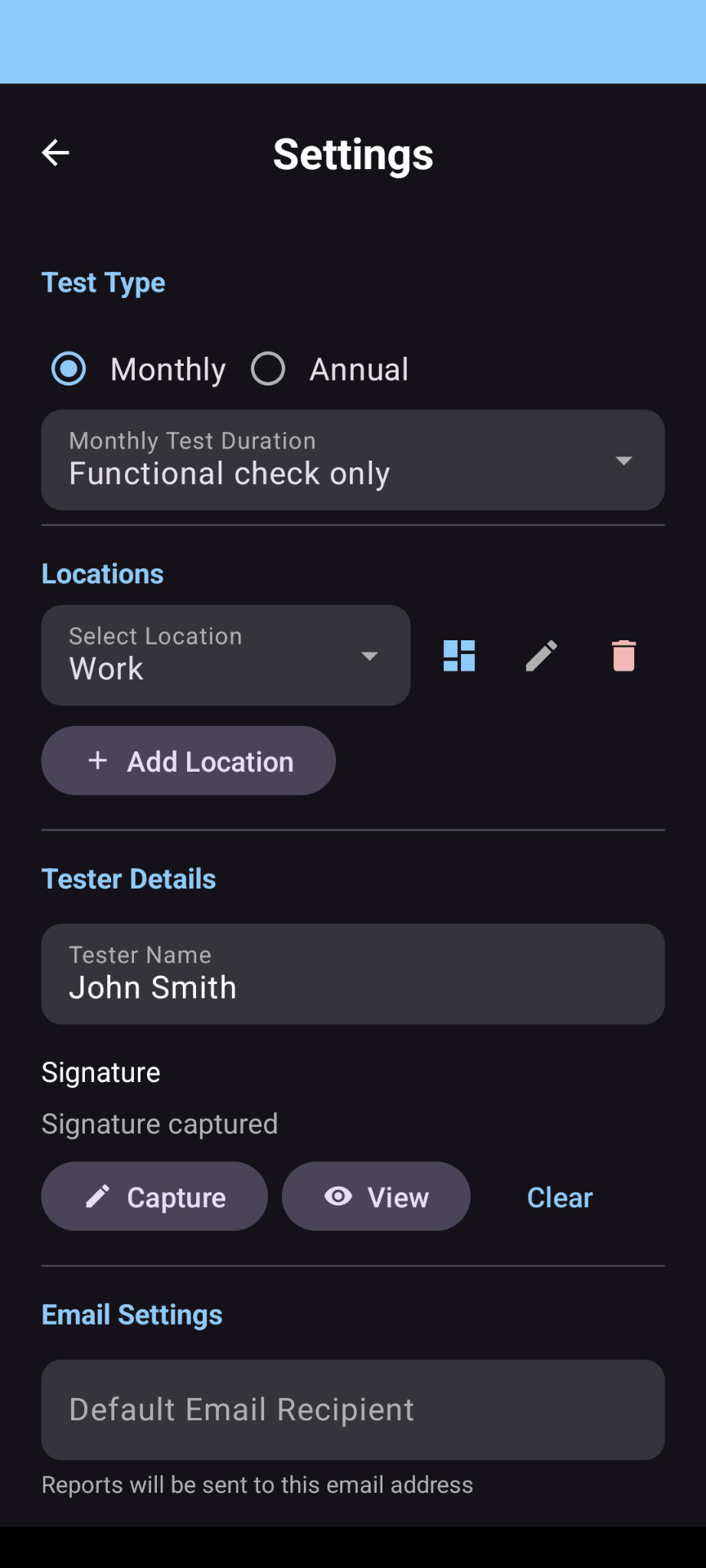
Go to Settings and add your location (building name and address). Then configure the zones you need to test - these might be floors, areas, or rooms depending on your premises.
2. Configure Test Settings
Choose your test type:
- • Monthly functional test - Quick check that all luminaires illuminate
- • Annual full duration test - 3-hour test (or 1-hour where conditions permit)
Add your name and signature for the test certificate.
3. Run the Test
Initial Check
Walk through each zone and verify all emergency luminaires illuminate when the test switch is activated. Mark each zone as Pass or Fail.
Timed Duration
For duration tests, the app starts a timer. You'll receive a notification when it's time to return. The timer continues even if you close the app.
Final Check
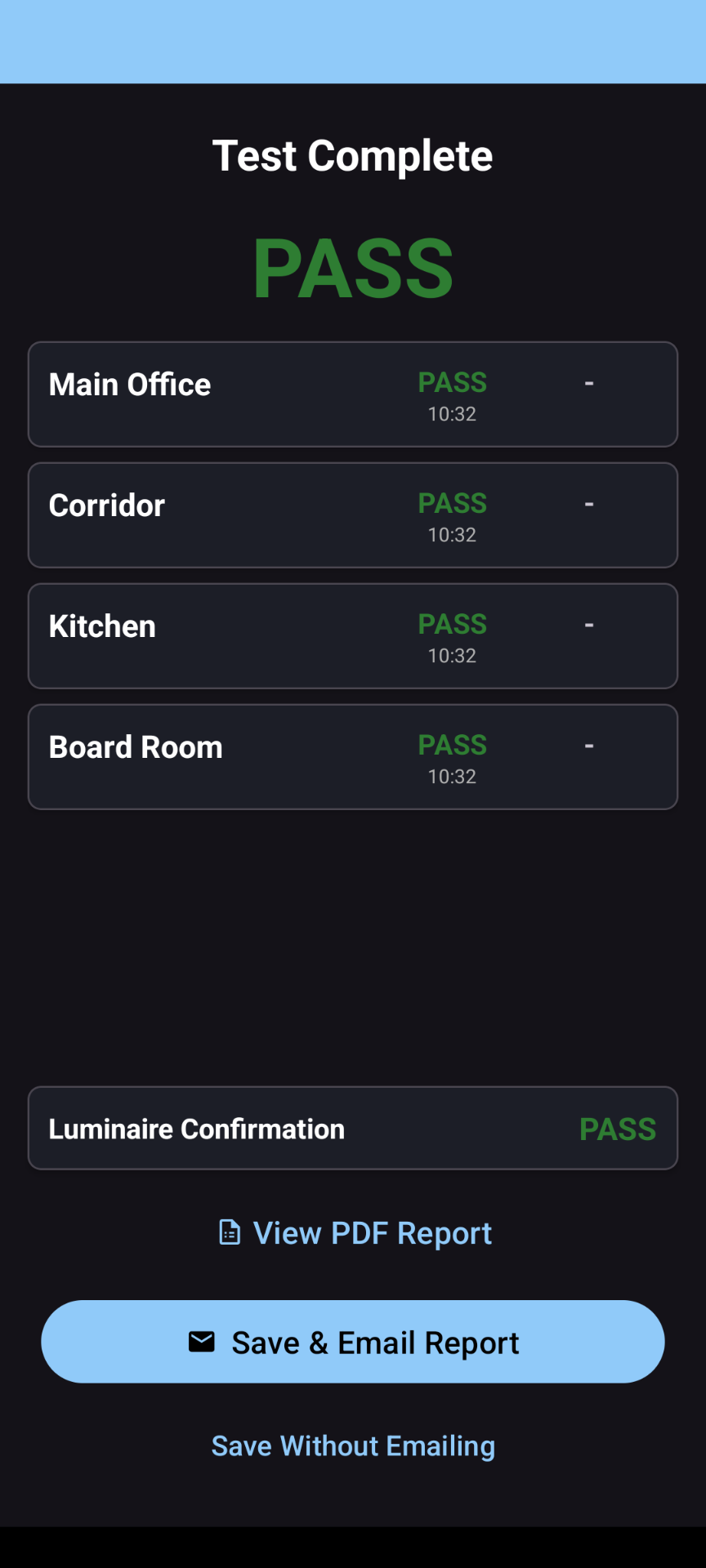
Return to each zone and verify luminaires are still illuminated at the required level. Record your results.
4. Generate Your Report
Once complete, view your PDF test certificate, save it, or email it directly to your records system.
Test Frequencies
BS 5266-1 requires:
- • Monthly - Brief functional test to check all luminaires operate
- • Annual - Full rated duration test (typically 3 hours)
The app tracks your test dates and shows clear status indicators:
- 🟢 Green - Test up to date
- 🟠 Amber - Test due soon
- 🔴 Red - Test overdue
Why Documentation Matters
Under the Regulatory Reform (Fire Safety) Order 2005, the "Responsible Person" for a premises must ensure emergency lighting is properly maintained and keep records of all testing.
Consequences of Poor Documentation
Enforcement Action
Fire and Rescue Authorities can issue enforcement notices, prohibition notices, or prosecute where fire safety obligations aren't met. Fines can be unlimited, and in serious cases, responsible individuals can face imprisonment.
Insurance Implications
Insurers typically require evidence of regular fire safety maintenance. Without proper test records, claims may be rejected following an incident - leaving you personally or commercially liable.
Civil Liability
If someone is injured during an evacuation and your emergency lighting fails, inadequate maintenance records make it extremely difficult to demonstrate you took reasonable precautions. This exposure applies to both personal injury claims and corporate manslaughter proceedings.
What Inspectors Look For
Fire safety auditors and insurance assessors expect to see:
- • Regular monthly functional test records
- • Annual full duration test certificates
- • Evidence that faults were identified and rectified
- • Clear identification of who conducted each test
Emergency Light Test creates timestamped, signed PDF reports that satisfy these requirements - giving you audit-ready documentation at the touch of a button.
Download
Available on Google Play for Android devices.

Scan to download